Updated October 2026
SnapCalc alternatives that show you the steps.
SnapCalc reads a photo of a math problem and gives you the answer for free. The step-by-step working is part of Premium.
Here is what SnapCalc does well, why people look for something else, and which alternatives are worth trying, free ones included.
Disclosure: MathScans is our own app.
MathScans is one of the apps compared below. It is paid, so if a free app covers what you need, we say so, and the free options come first in our picks.
What SnapCalc does well
SnapCalc is a camera math solver for iPhone and iPad. It reads printed and handwritten problems, or a photo from your library, and covers arithmetic through calculus.
It also has practice quizzes, links to educational videos and Wikipedia articles, and a history tab. With about 41,000 ratings averaging 4.2, plenty of students find it useful.
If you only need to check answers, the free version may be all you need. The reasons to switch start when you need the method.
- Rating
- 4.2 from about 41,000 ratings
- Price
- Free to download, Premium from $1.99 a week
- Steps
- Step-by-step solutions need Premium
- Ads
- Shown in the free version
- Tracking
- Declared on the App Store privacy label
- Last update
- April 23, 2025, version 1.47.13
Why people look for a SnapCalc alternative
None of these are problems if SnapCalc works for you. They are the four things that come up most when students compare it with other apps.
The listing also shows the last update in April 2025. That is worth weighing if you want an app that is actively improving.
The steps are the paid part
The free version gives the answer. The App Store listing says Premium adds step-by-step solutions, which is the part most students need.
Ads in the free version
Premium also removes ads, so the free version has them. That can be distracting in the middle of homework.
Tracking is declared
SnapCalc's privacy label lists purchases, location, identifiers and usage data as used to track you across other companies' apps and websites.
Pricing depends on the offer
Its in-app purchase list shows weekly plans from $1.99 to $5.99 and monthly plans from $3.99 to $6.99, so what you pay can vary.
SnapCalc alternatives at a glance
The question that matters most is whether you can see the steps, and what it costs to see them.
Our comparison of the best math solver apps looks at each of these in more depth.
| App | Steps | Price | Works on | The catch |
|---|---|---|---|---|
| SnapCalc | No, Premium needed | From $1.99/wk, $39.99/yr | iPhone, iPad | Ads in the free version |
| Photomath | Yes, basic steps | Free, Plus $9.99/mo | iPhone, iPad, Android | Deeper explanations need Plus |
| Mathway | No, answers only | Free answers, paid steps | iPhone, iPad, Android, web | Tracking declared |
| Symbolab | Yes, basic steps | Freemium | iPhone, iPad, Android, web | Detailed steps paid |
| MathScansours | Every step, after the trial | $9.99/mo or $4.99/wk | iPhone | No free tier |
Checked on each app's US App Store listing in October 2026. Prices are US prices and vary by country and offer.
What MathScans does differently
Every step explained, with no second tier
In MathScans, the steps are the product. Each one names the operation and explains why it works, in plain language.
There is no premium layer on top. Every feature is in the one subscription, after a free trial.
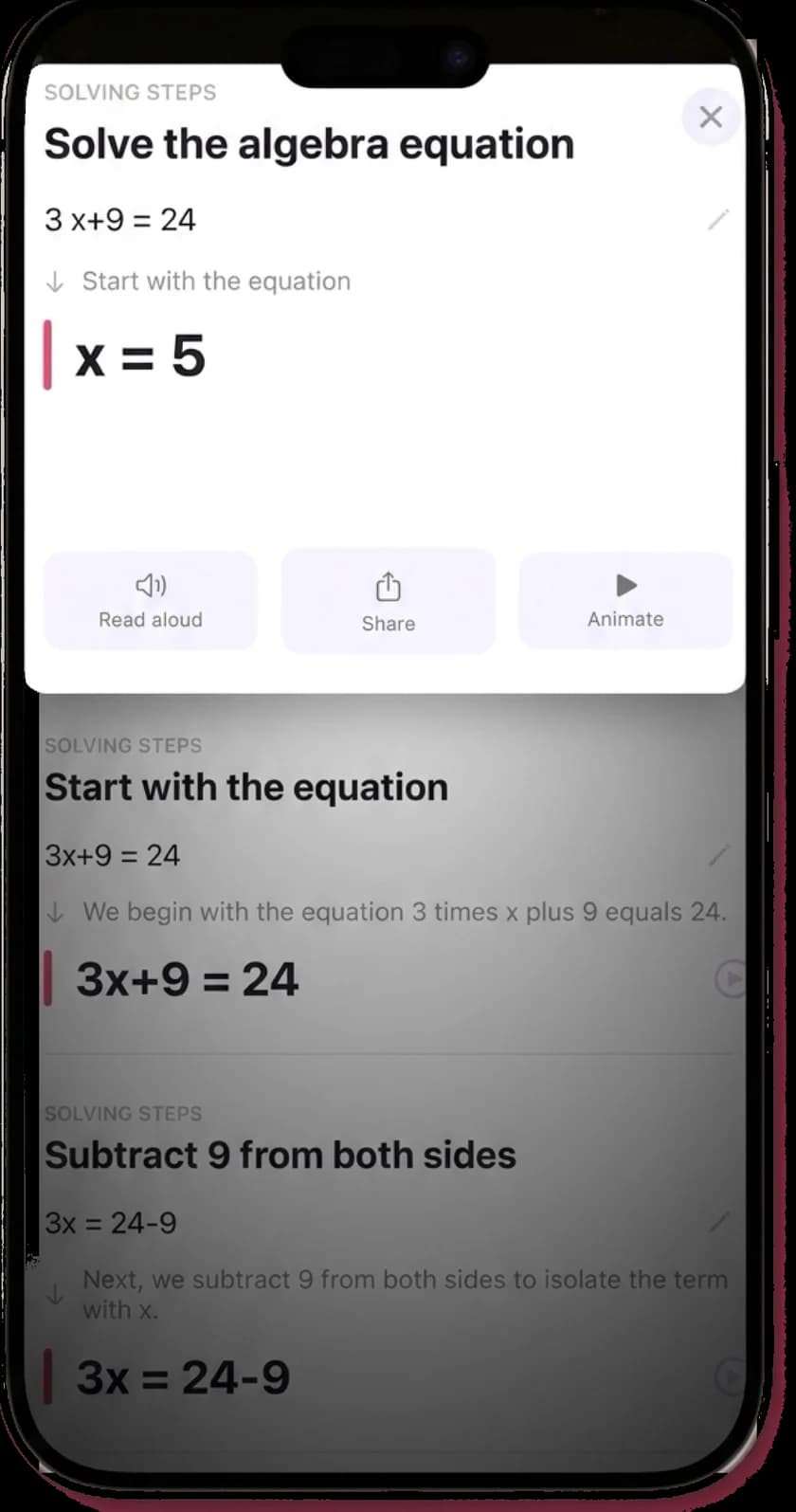
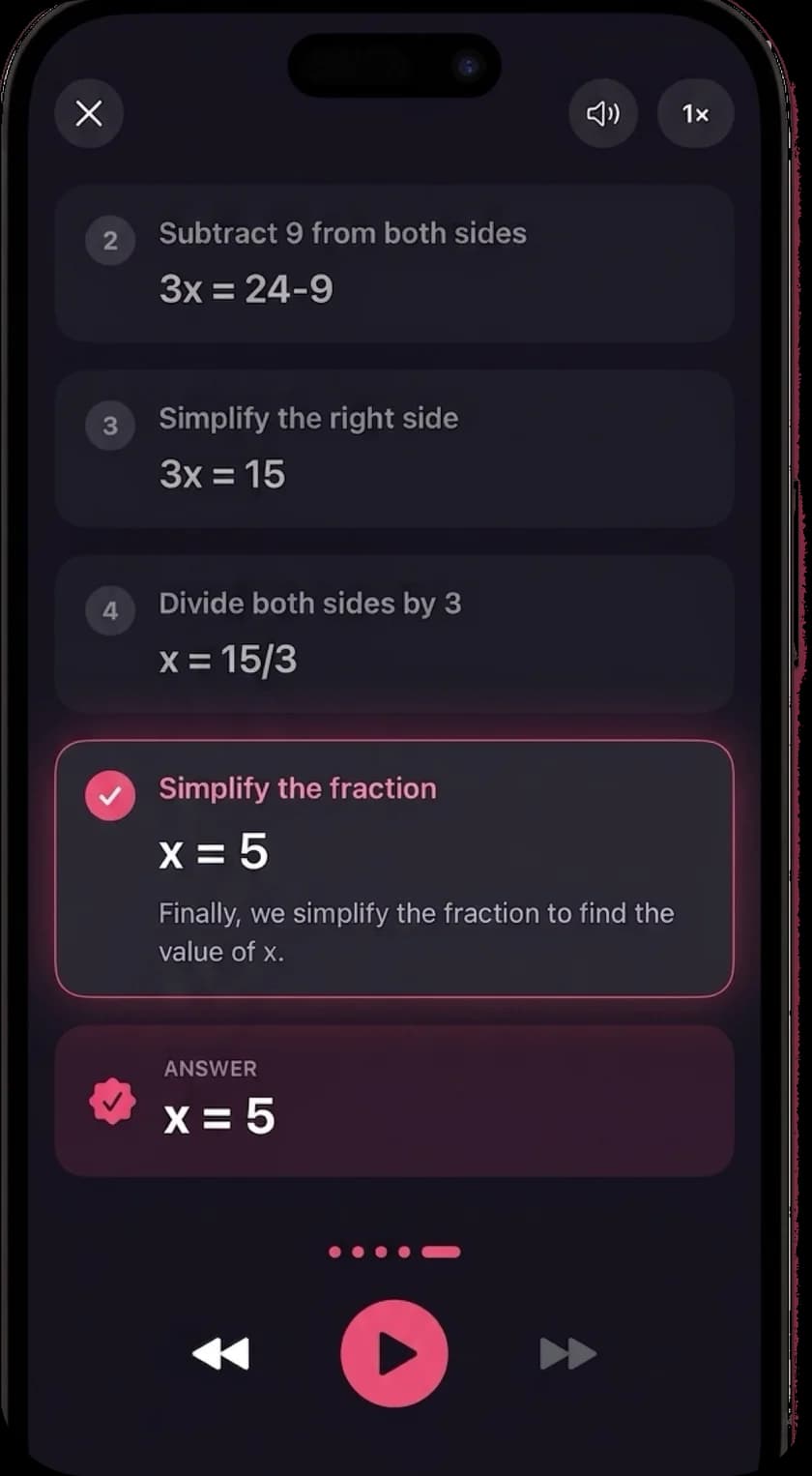
Animated and read aloud
Any solution can play as an animation, at speeds from half to double. Terms move and combine so you can see what changed.
Turn on narration and each explanation is read aloud, in any of 19 languages.
No ads and no tracking declared
MathScans has no ads and no ad networks. Its App Store privacy label declares no tracking.
Your email, photos, purchases and app usage are linked to your account so the app can work, and solved problems are deleted after 30 days.
Which one should you install?
If you want free steps
Photomath. Its free tier shows basic step-by-step explanations, which is what SnapCalc keeps behind Premium.
If you prefer typing problems in
Symbolab. It is built around typed input and a large set of calculators, with basic steps for free.
If you only need answers
SnapCalc's free version or Mathway's. Both give answers without paying, and you may not need to switch at all.
If you want every step explained, animated and read aloud
MathScans. It is paid, with a 3-day free trial on the monthly plan, and has no ads.
There are two apps called SnapCalc
The SnapCalc most people mean is the one sold by Mosaic S.r.l., with about 41,000 ratings. Everything on this page is about that app.
A second app, SnapCalc Math Problem Solver, comes from a different developer. It has only a handful of ratings and was last updated in 2023.
If you are reading reviews or comparing prices, check the seller name on the listing first. It is easy to end up looking at the wrong one.
What to look for in a replacement
Start with the steps. Some apps show the working for free, some charge for it, and some only list the lines without saying why each one follows.
Then check the price model. A weekly plan can look cheap until you add up a school term, so compare the monthly or yearly cost instead.
Finally, read the privacy label on the App Store listing. It tells you whether an app declares tracking, and what data it links to you.
Test the switch on one problem
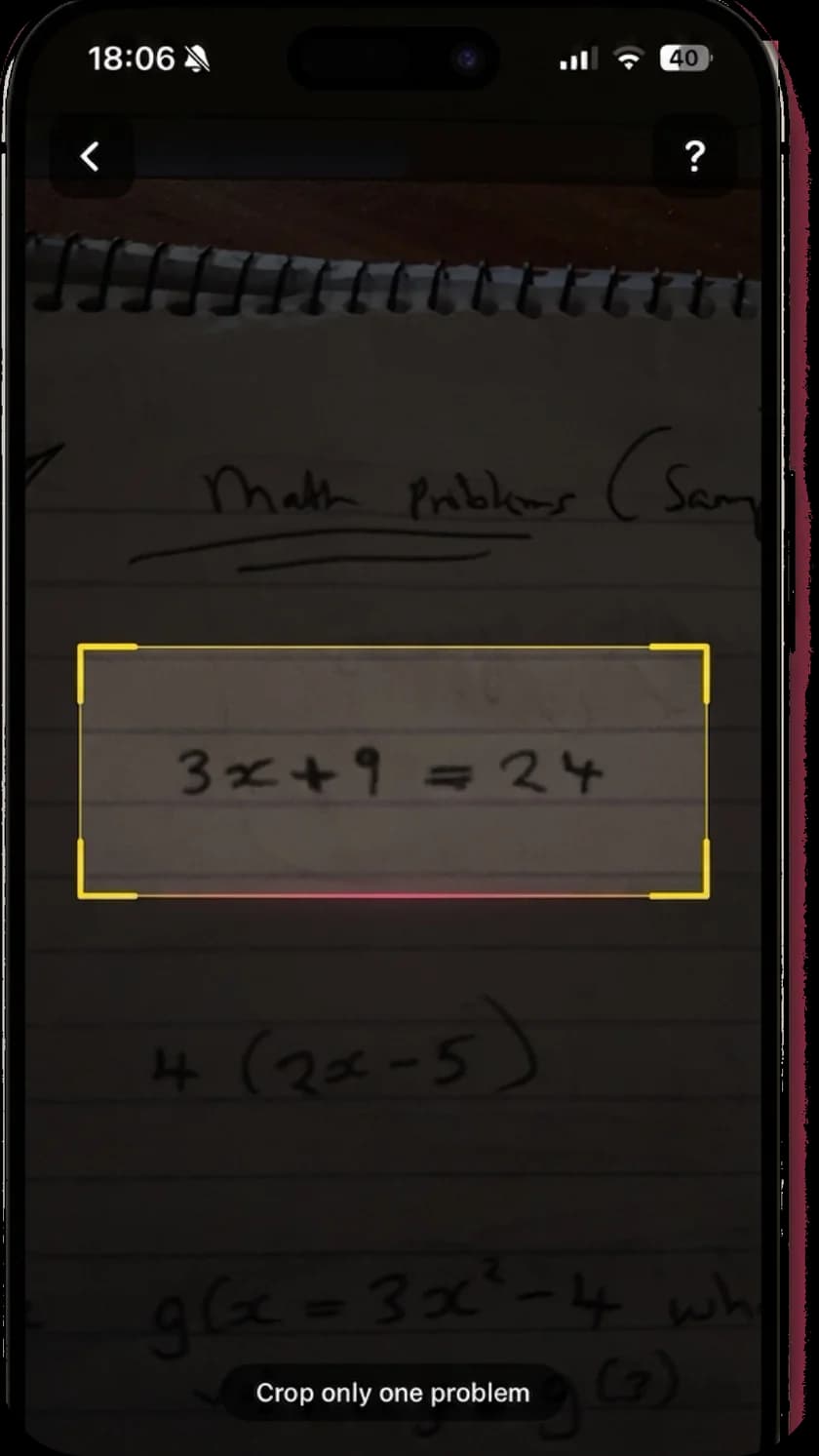
Take one problem you were stuck on in SnapCalc and scan it in the app you are considering. Use your own handwriting, not a printed example.
Check that the app read the problem correctly, then read the step you found hardest. If the reason for that step makes sense, the app is doing its job.
Our guide to picking a math solver for iPhone has a five-minute version of this test. For a closer look at the free option, see is Photomath free.
Questions about SnapCalc
- Is SnapCalc free?
- SnapCalc is free to download and gives answers for free. According to its App Store listing, step-by-step solutions and an ad-free experience need a Premium subscription.
- How much does SnapCalc Premium cost?
- The US App Store lists several offers: weekly plans from $1.99 to $5.99, monthly plans from $3.99 to $6.99, a 3-month plan at $29.99 and a yearly plan at $39.99. Which one you see can depend on the offer shown in the app.
- Who makes SnapCalc?
- The App Store lists the seller as Mosaic S.r.l., with a Bending Spoons copyright. There is also a smaller, unrelated app called SnapCalc Math Problem Solver from another developer, so check the seller name before downloading.
- Does SnapCalc track you?
- Its App Store privacy label says purchases, location, identifiers and usage data may be used to track you. MathScans declares no tracking.
- What is the best free alternative to SnapCalc?
- Photomath. Its free tier shows basic steps, which SnapCalc reserves for Premium. Symbolab also shows basic steps for free if you prefer typing.
- Is MathScans better than SnapCalc?
- It depends what you need. SnapCalc has a free answer-only version, quizzes and links to videos. MathScans has no free tier, but every step is explained, animated and read aloud, with no ads.
- Does MathScans read handwriting like SnapCalc?
- Yes. Both read printed and handwritten problems, and both can import a photo from your library. MathScans shows the problem as it read it at the top of each solution, so you can check it.
- Does MathScans have quizzes like SnapCalc?
- No. MathScans is focused on explaining the problem in front of you. If practice quizzes matter to you, SnapCalc or a learning app such as Khan Academy is a better fit for that part.
- How do I cancel SnapCalc Premium?
- Subscriptions bought through the App Store are cancelled in the Settings app. Tap your name, then Subscriptions, choose SnapCalc and tap Cancel Subscription. Deleting the app does not cancel it.
- Does SnapCalc work on Android?
- This page covers the iPhone and iPad app on the App Store. If you need an app on both iPhone and Android, Photomath, Mathway and Symbolab all have Android versions. MathScans is iPhone only.
Keep reading
- Best math solver apps comparedFive apps side by side, with the catch in each.
- Photomath alternativesIs Photomath free, and which apps like it are worth paying for.
- Mathway alternativeWhen the steps are what you need, not just the answer.
- Cymath alternativeThe app is missing from the App Store. What to use.
- Photo math solverTake a picture of a problem and get every step.
- Math solver with stepsHow each step is explained, animated and narrated.
Every step, with nothing held back.
Scan the problem, read every step, watch it animate. Free for 3 days on the monthly plan, then $9.99 a month.