Trigonometry solver for iPhone
A trig solver that shows which ratio, and why.
Scan a trigonometry problem and MathScans explains which ratio to use, substitutes your values, and works through to the answer, one step at a time. Sine, cosine, tangent and trig equations, animated and read aloud.
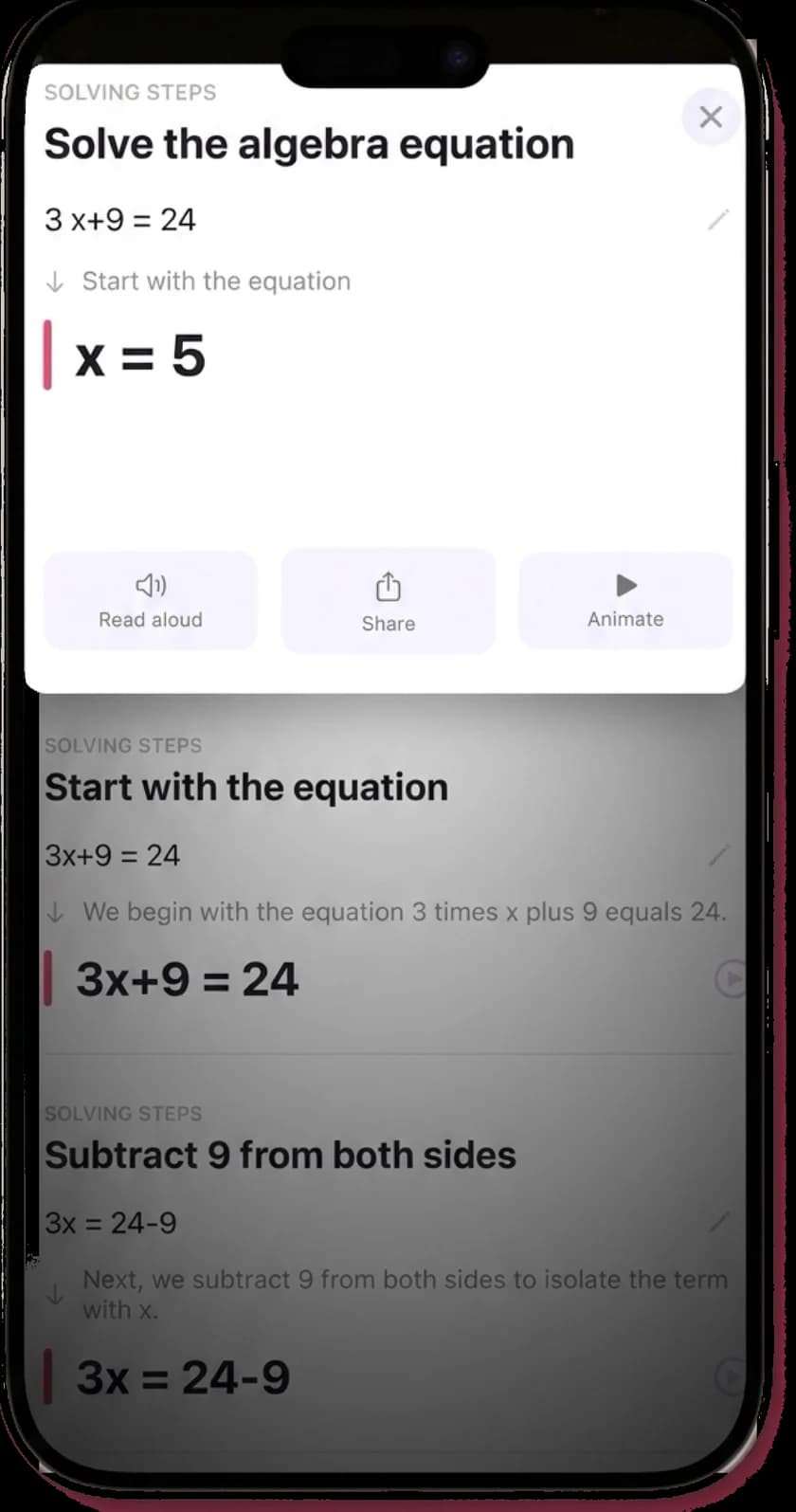
A worked example
Finding a missing side, step by step.
A right triangle with a 30° angle and a hypotenuse of 10, solving for the opposite side. Here is how MathScans works it, leading with the choice of ratio rather than jumping to x = 5.
- 01
Choose the ratio
sin(θ) = opposite / hypotenuse
A right triangle with a 30° angle, a hypotenuse of 10, solving for the side opposite the angle. You know the hypotenuse and want the opposite, so sine is the ratio that links them. Picking the right one is the real trig decision.
- 02
Substitute what you know
sin(30°) = x / 10
The angle is 30° and the hypotenuse is 10. The unknown opposite side takes the place of the numerator, x.
- 03
Rearrange for x
x = 10 · sin(30°)
Multiply both sides by 10 to get the unknown on its own. The equation now says x is 10 times the sine of 30 degrees.
- 04
Evaluate
x = 5
The sine of 30 degrees is exactly 0.5, and 10 times 0.5 is 5. So the opposite side is 5.
Why the working matters
Trig is knowing which ratio the problem is asking for.
The arithmetic in a trig problem is a calculator keystroke. The part that actually decides whether you get it right is choosing sine, cosine or tangent from the sides and angle you were given. Get that wrong and every number after it is wrong.
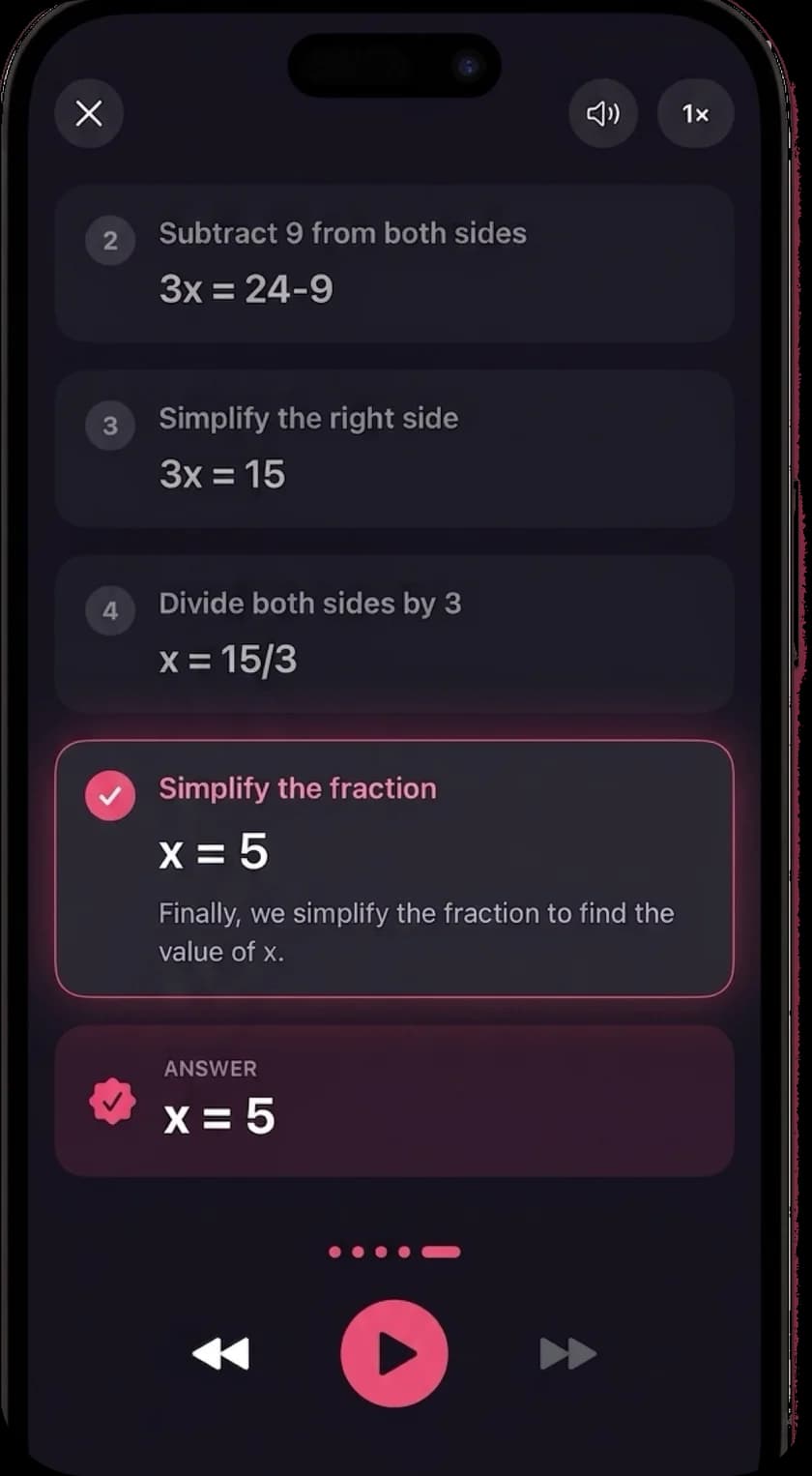
So MathScans leads with the choice of ratio and explains it, then shows the substitution and the working. The animated player replays a step and the narration reads it aloud in any of 19 languages, so the reasoning is easy to follow and to remember.
Learn to pick the ratio, and the rest of the problem is mechanical.
Questions about the trigonometry solver
- What trigonometry problems can it solve?
- Right-triangle trig with sine, cosine and tangent, finding missing sides and angles, the laws of sines and cosines, trig identities and solving trig equations, alongside the surrounding pre-calculus. It names the ratio or identity, substitutes your values, and works through to the answer with the reasoning shown.
- Does it explain which ratio to use, sine, cosine or tangent?
- Yes, and that is the part most worth having. Rather than only printing a number, MathScans explains why a step uses sine over cosine or tangent, based on which sides and angle you have. That is the decision that makes trigonometry click, so it is spelled out rather than assumed.
- Can it work in both degrees and radians?
- Yes. It handles problems posed in degrees and in radians and shows the working in the same units as the question, which matters once you reach the unit circle and calculus where radians are standard.
- Is there a free trigonometry solver that shows steps?
- Some apps include step-by-step trig in a free tier, so if cost is your only constraint you have options. MathScans opens with a 3-day free trial on the monthly plan, then it is $9.99 a month or $4.99 a week. The trial lets you test the explanations on your own problems before deciding.
- Which iPhone and iOS version do I need?
- MathScans runs on iPhone and requires iOS 17 or later. It works on iPad in iPhone compatibility mode, though it is not yet optimised for the larger screen, and there is no Android version at present.
Pick the ratio. See the working.
Scan the problem, follow the steps, watch it animate. Free for 3 days on the monthly plan, then $9.99 a month.