Homework help for parents
Help with the homework you last did decades ago.
Scan your child's math problem and MathScans explains the method in plain language, step by step. So when they ask for help and the way it is taught has changed, you have the reasoning ready, not just the answer.
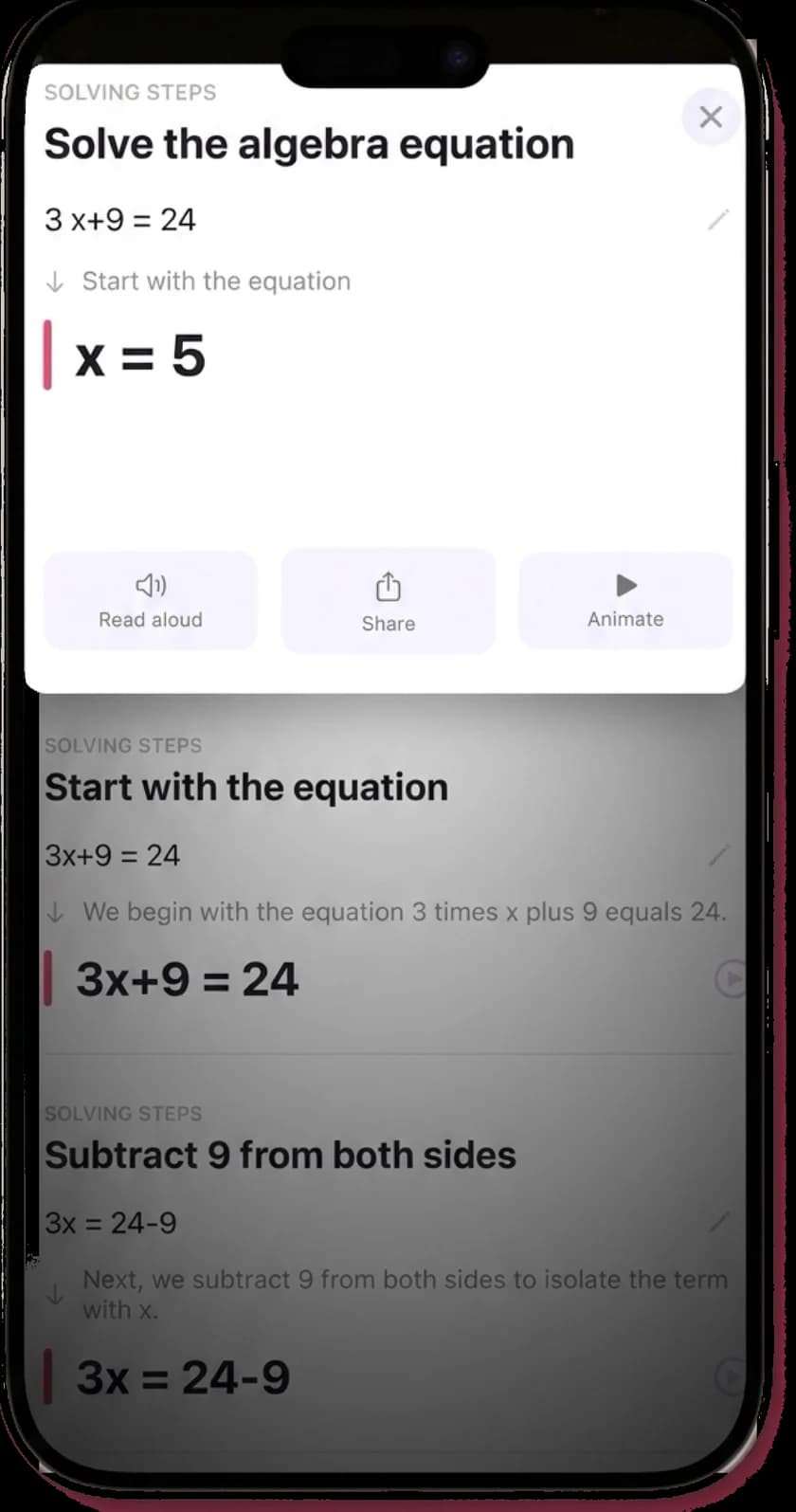
A worked example
The reason, in words you can repeat.
Adding 2/3 + 1/4 is the moment most of us remember the answer but not why. Here is how MathScans explains it, so you can say the reasoning aloud and your child hears the method, not just the result.
- 01
Start with the problem as scanned
2/3 + 1/4
Two fractions with different denominators, which is why they cannot simply be added top and bottom. Naming that first is the part a child, and often a parent, needs said out loud.
- 02
Rewrite over a common denominator
8/12 + 3/12
The smallest number both 3 and 4 divide into is 12. Multiply 2/3 by 4 and 1/4 by 3 so both fractions describe twelfths. The value of each has not changed, only how it is written.
- 03
Add the numerators
11/12
Once the denominators match, add only the tops: 8 plus 3 is 11. The denominator stays 12 because the size of each piece did not change.
Built for the kitchen table
Your child asks. Now you have an answer.
You do not need to relearn the whole syllabus to help with one problem. Scan it, read the explanation, and you can talk your child through the step they are stuck on with the confidence that you have the method right.
Every step is explained in plain language, replayed as an animation so a moving part is something you both watch, and read aloud so you can follow along without squinting at notation. It turns homework from a standoff into ten minutes you can actually help with.
And it grows with your child. The same app that explains fractions today handles the algebra and calculus that arrive later, so it keeps earning its place year after year.
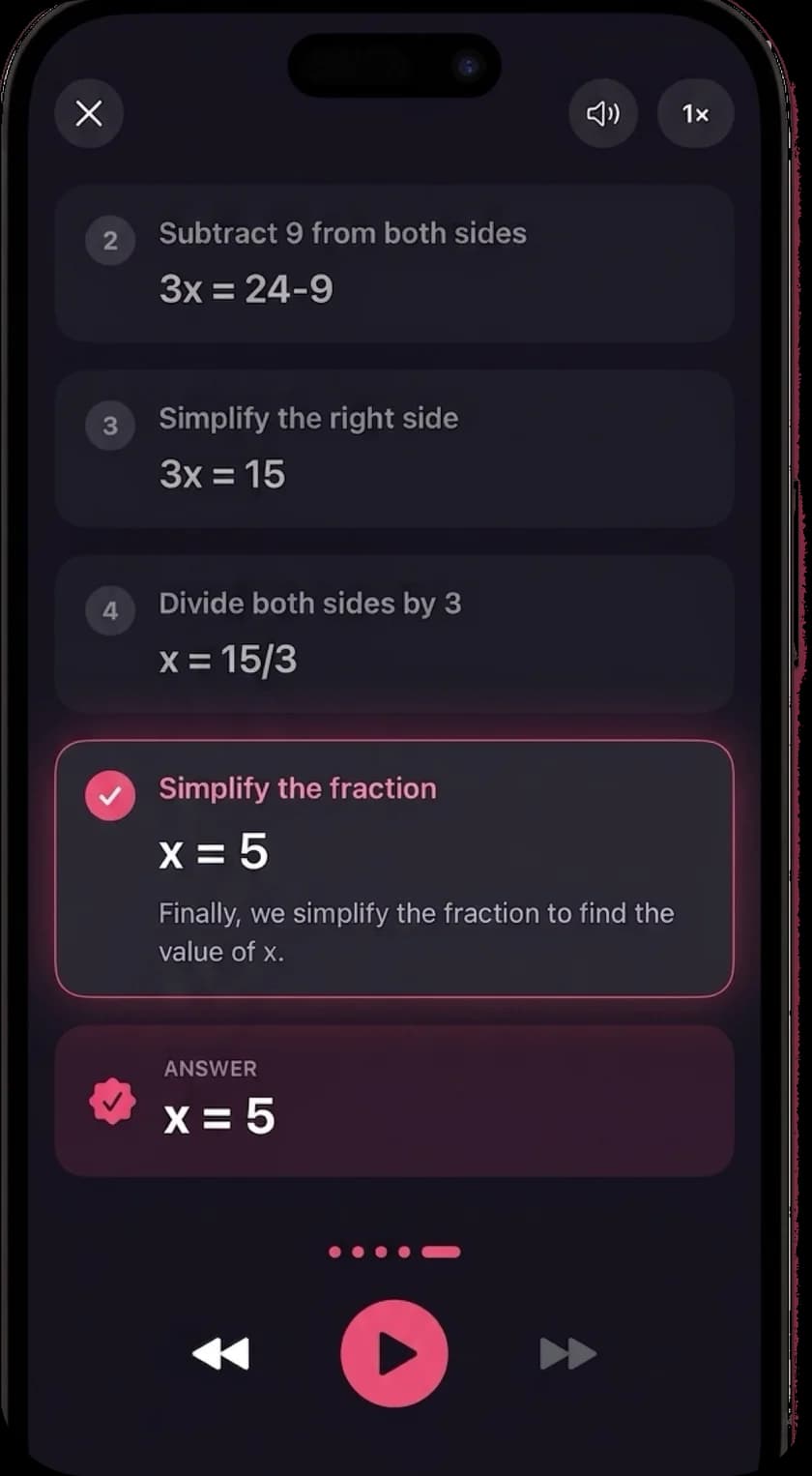
Understanding tonight, not just a finished worksheet.
The best use is the two of you together: scan the problem your child cannot start, read the explanation of the first step, then let them try the next one. They finish the worksheet and, more importantly, they can do the next one without you.
Because MathScans shows the reasoning rather than only the result, it fits how homework is meant to work. You are helping the way a good tutor would, by making the method clear, then handing the pencil back.
Questions from parents
- What is the best math app for a parent helping with homework?
- Look for one that explains the method, not just the answer, so you can pass the reasoning on to your child. MathScans scans the problem, names each step and explains why it works in plain language, which is what lets you help even when the method has changed since you were at school. Try it free for 3 days and see whether the explanations are ones you would be comfortable saying out loud.
- Is this a good math app for elementary kids?
- It is best used with a parent alongside, rather than handed to a young child on their own. MathScans covers elementary arithmetic and fractions clearly, and because it explains the reasoning it is a strong way for you to walk a child through a problem. For independent practice and games aimed at young children, a dedicated learning app is a better fit, and the two work well together.
- Will it just give my child the answers?
- It shows the full method, which is the opposite of a bare answer, and that is the point. Used well, you and your child scan a problem you are stuck on, read the explanation of the step you missed, then work the next one together. The animation and the read-aloud narration make it easy to talk through a step rather than copy a result.
- Which grades and topics does it cover?
- Arithmetic, fractions, decimals and percentages through algebra, geometry, trigonometry and into calculus, over 200 problem types from primary school to early university. Because it scales with the syllabus, the same app keeps helping as your child moves up through the grades.
- Does it work on an iPad?
- MathScans is built for iPhone and requires iOS 17 or later. It will run on an iPad in iPhone compatibility mode, in a smaller window, but it is not yet optimised for the larger iPad screen. For the best experience today, use it on an iPhone.
Be ready the next time they ask.
Scan the problem, read the method, explain it with confidence. Free for 3 days on the monthly plan, then $9.99 a month.